Fretless intonation, and a tool for practicing it
Ask anyone who plays fretless what the hard part is and you get the same answer: intonation. Every note is a decision your ear and your hand make together, and being a hair off is the difference between a line that sings and one that just sounds sour.
The only real cure is slow: training your ear until in tune stops being something you check and becomes something you feel. You play against a drone, you listen for the beating between your note and the reference, and you nudge until it smooths out. Do that enough and your fingers start landing in the right place on their own.
A friend of mine is new to fretless, and watching him start out reminded me how steep that first stretch is, and how little there is to make the ear-training part simple. Most tuners show you a needle and a number. That is fine for checking, but it is not how you learn to hear it. So I built the thing I wish I had when I started.
The Tool
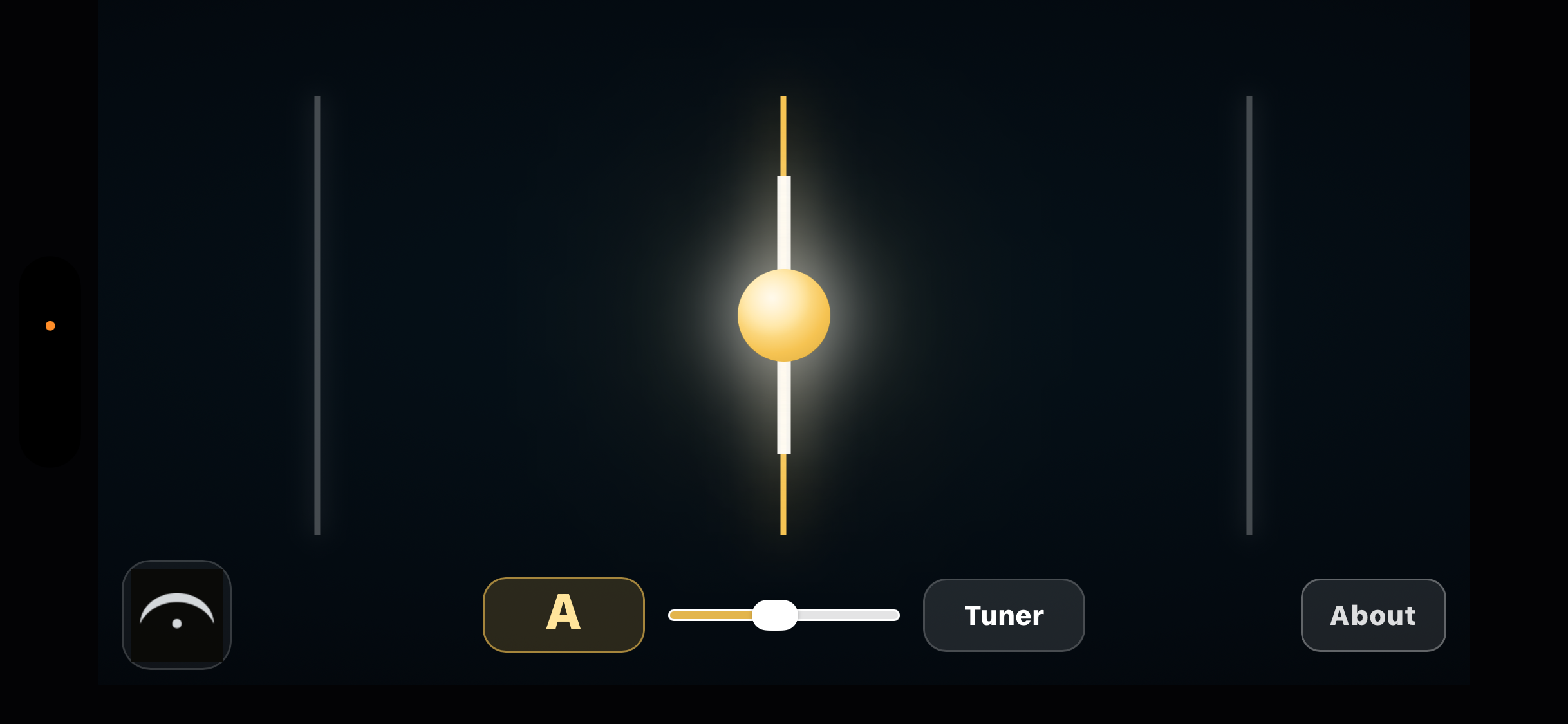
You pick a drone note by swiping left or right, then play. Your pitch shows up as a line that slides toward the reference. A good practice is playing scales very slowly over the drone and listening to the tensions, how each note sits against the root and the other scale tones. You can also turn the drone off and just use it as a plain pitch display and pratice slowly.
It also includes a tuner. Tap over to it when you just want to check or tune up: same live pitch detection, shown the familiar way with a needle and the note name. It is handy for getting your strings dialed in before you switch to the drone and start training your ear.
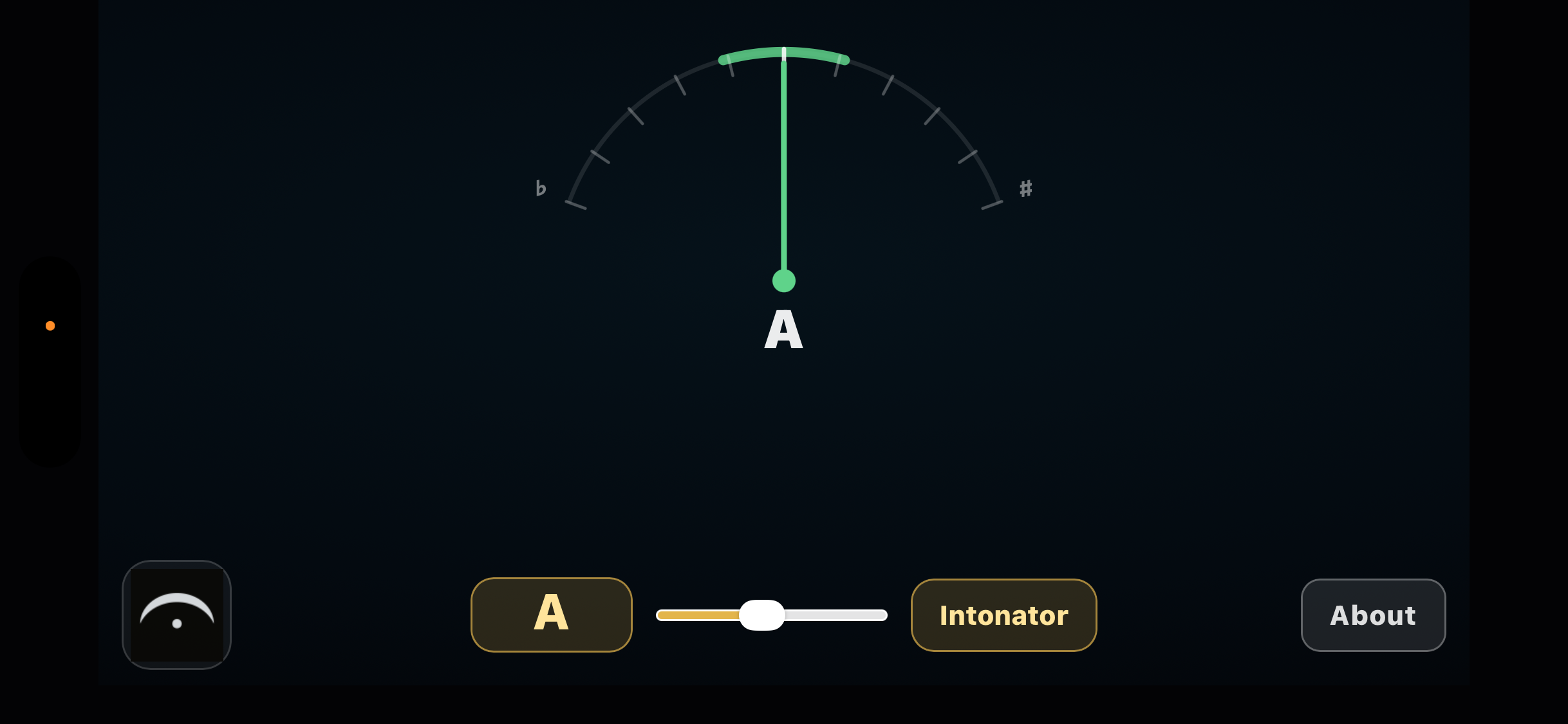
It is a practice aid, still a work in progress. But it does the one thing I wanted: it lets you see your intonation while you train your ear to feel it.
One honest caveat. No tool replaces playing music and I learned by driving a bunch of people (and my cats) crazy. A drone and a pitch line can sharpen your ear in isolation, but intonation really comes together in a musical setting, in time, in a key, against other players. Use this to warm up and train the raw skill, then go make music. That is where the ear actually learns.
Try It
The trainer is here: Fretless Intonation Trainer. Always check back here for the latest version. Open it in Safari on iPhone or Chrome on a computer, not inside another app like YouTube or a QR scanner, since those built-in browsers can block the mic. Allow the microphone when asked. Headphones give the cleanest reading, but the speaker works too. It runs in a browser, listens only on your own device, and records nothing. Have fun with it!